Get started with Verdictan
Verdictan connects your application to an AI provider, for example, OpenAI. It applies your rules to requests, sends permitted requests to the provider, and records the result.
Start here
- Quickstart Run a gateway in your terminal or in Docker. Send a model request. Find its decision and usage in the Console.
- Install the gateway Install the verdictan CLI with a package manager, the official installer, a release archive, or the container image.
- Connect a provider Give a gateway access to your model provider with a local environment variable or a saved secret.
What you can do with Verdictan
- Connect a client Use your agent URL and API token with an OpenAI-compatible client.
- Add rules to requests Select the conditions that allow, block, or change a request before it goes to a model.
- Control spending Examine the usage. Set a budget for the application.
- Invite your team Give your team access to the organization and the necessary tools.
- Find blocked requests Find the decision event for a blocked request. Identify its cause. Select the next action.
- Connect your IDE Find which IDE clients send model requests through the gateway or use the MCP endpoint.
How a request moves
The setup has three parts:
| Part | Function |
|---|---|
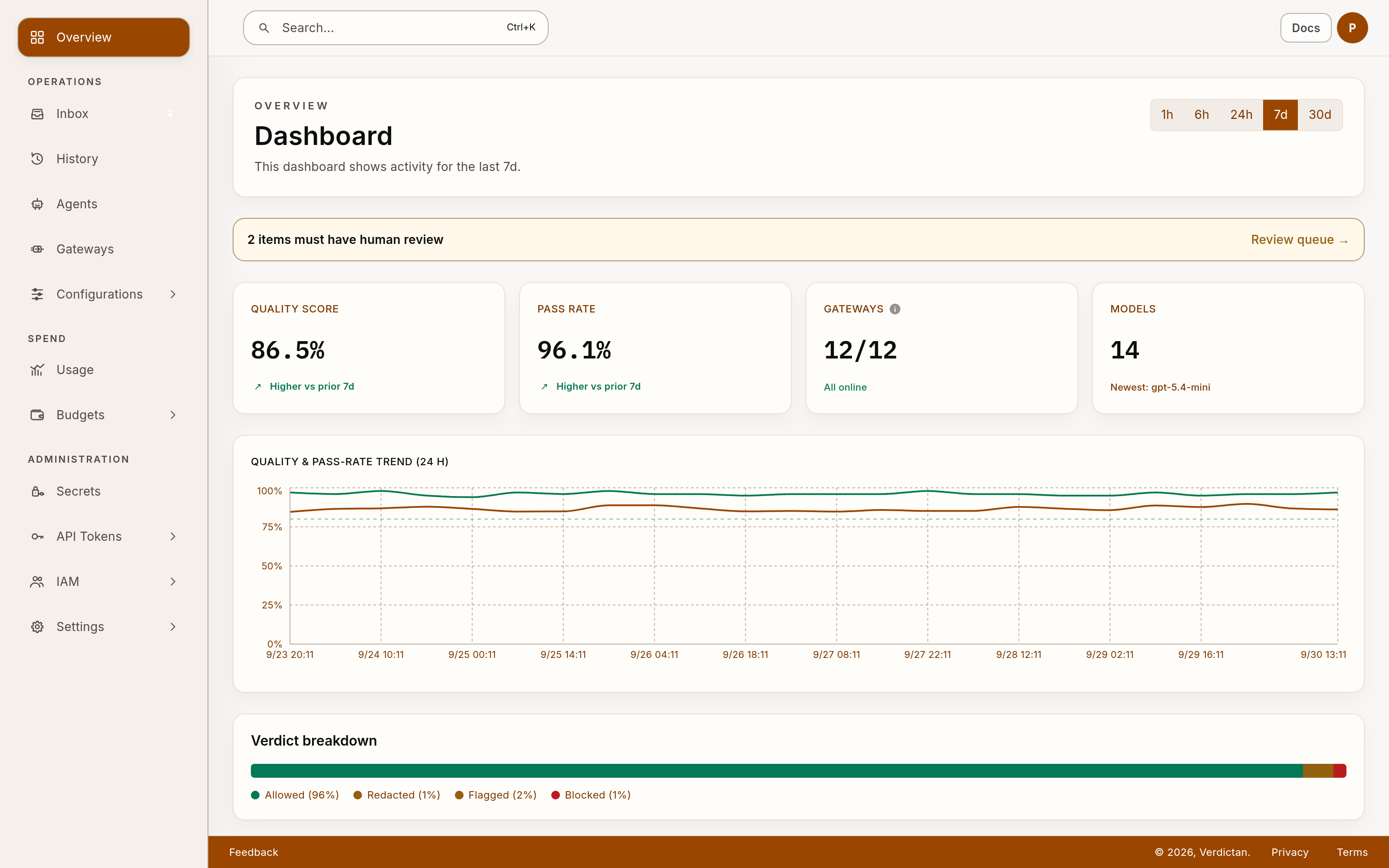
| Console | The website where you select models, change settings, and examine requests. |
| Gateway | The program you run on your computer or server. It applies rules to requests and calls the model provider. |
| Agent | The saved settings and address for an application. Its address sends requests to a connected gateway. |
Your application sends a request to the agent URL. Verdictan forwards it to your gateway. The gateway applies your rules and calls the provider when the request is allowed. The response returns to your application. You can then examine the recorded decision and usage in the Console. Keep the gateway open while you use its agent URL.
Keep the credentials different
Each key has one job. The quickstart tells you where to use each one.
| Key | Its job |
|---|---|
| Provider key, such as an OpenAI API key | Lets the gateway call your provider account. The provider charges that account for model use. |
| Gateway token | Lets your gateway connect to your Verdictan organization. |
| API token | Lets your application send requests through Verdictan. In the Console, it has the Access Key role. |
An API token does not replace a provider key. To create or rotate tokens, see Manage API tokens.
Find a reference
- Configuration fields Find a setting in policy-config.yaml.
- CLI commands Run the gateway and manage resources from a terminal.
- API reference Select the API address and authentication for your task.
- Glossary Find the meaning of a term.
- Manage configuration in a file Manage the configuration of an operating gateway in a file.
- Task guides Find the guide for a task, with a check to verify the result.